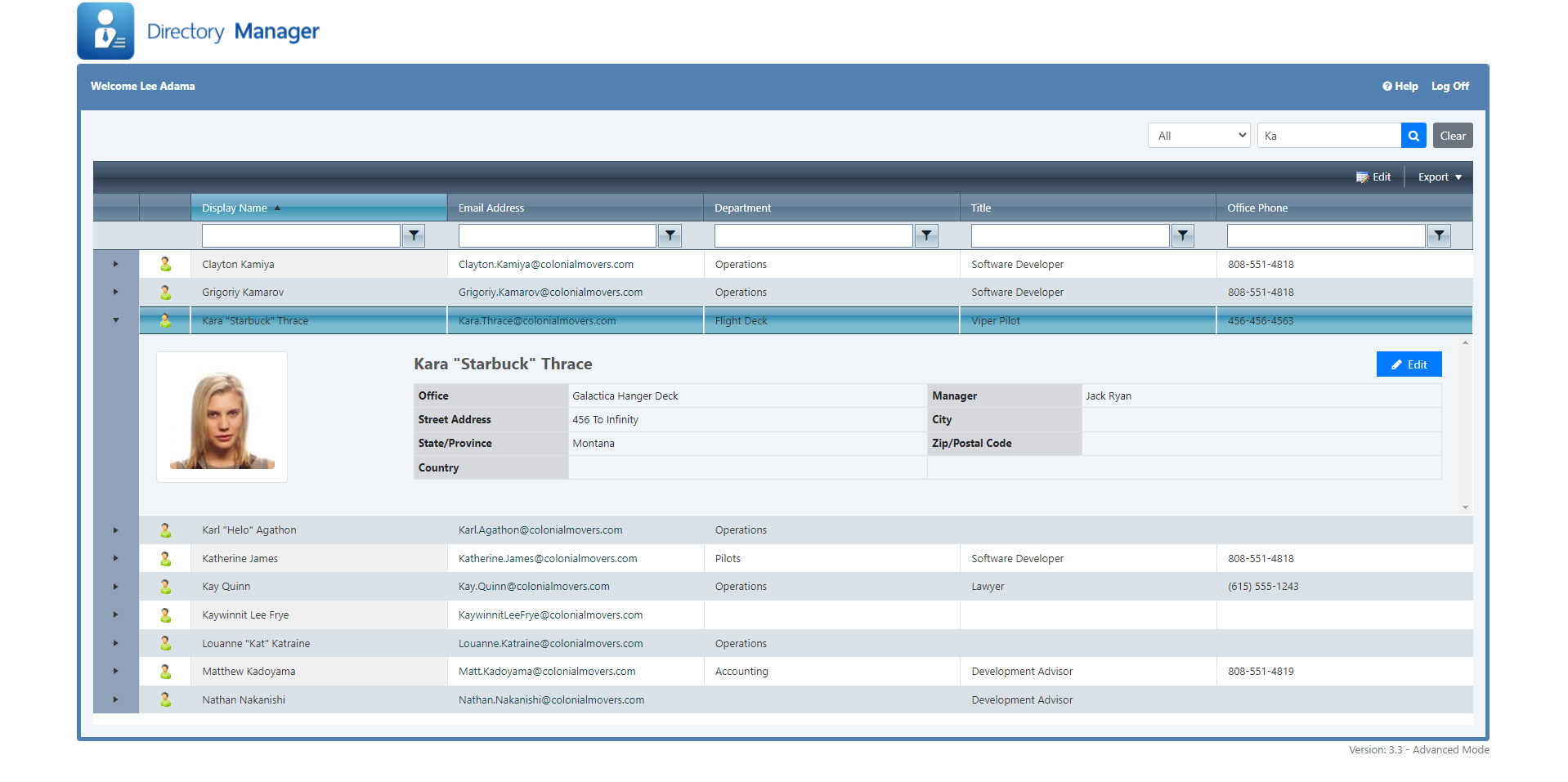
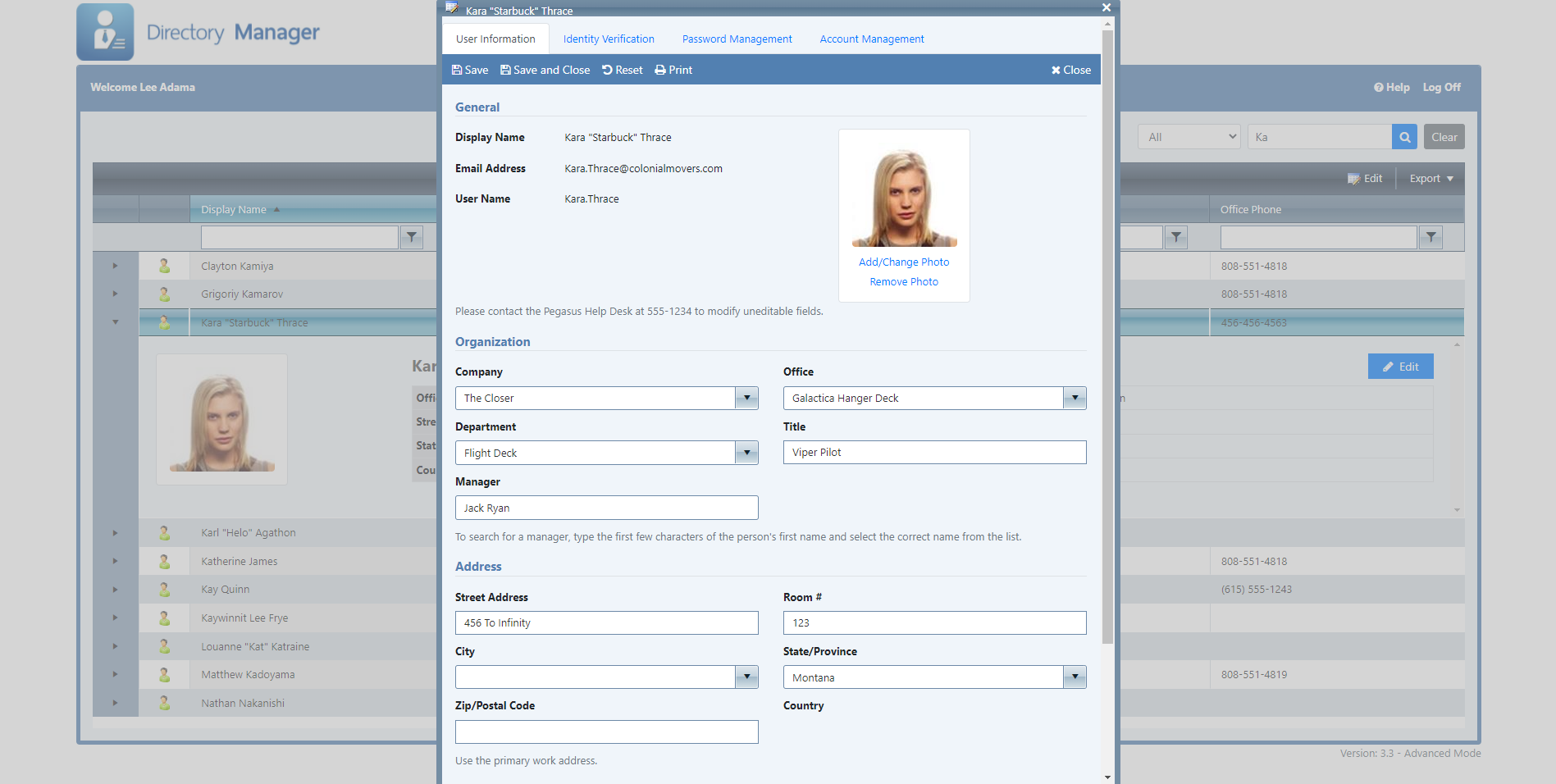
Grant Human Resources and authorized delegates secure access to edit Active Directory user properties, reset passwords, unlock accounts, enable or disable users, and manage group memberships. Directory Manager enforces strict administrative rules so non-IT staff can safely standardise enterprise data.
Directory Manager Core Features
Delegated Account Management
Allow HR or department leads to update contact fields, titles, departments, or custom AD properties.
Password Resets
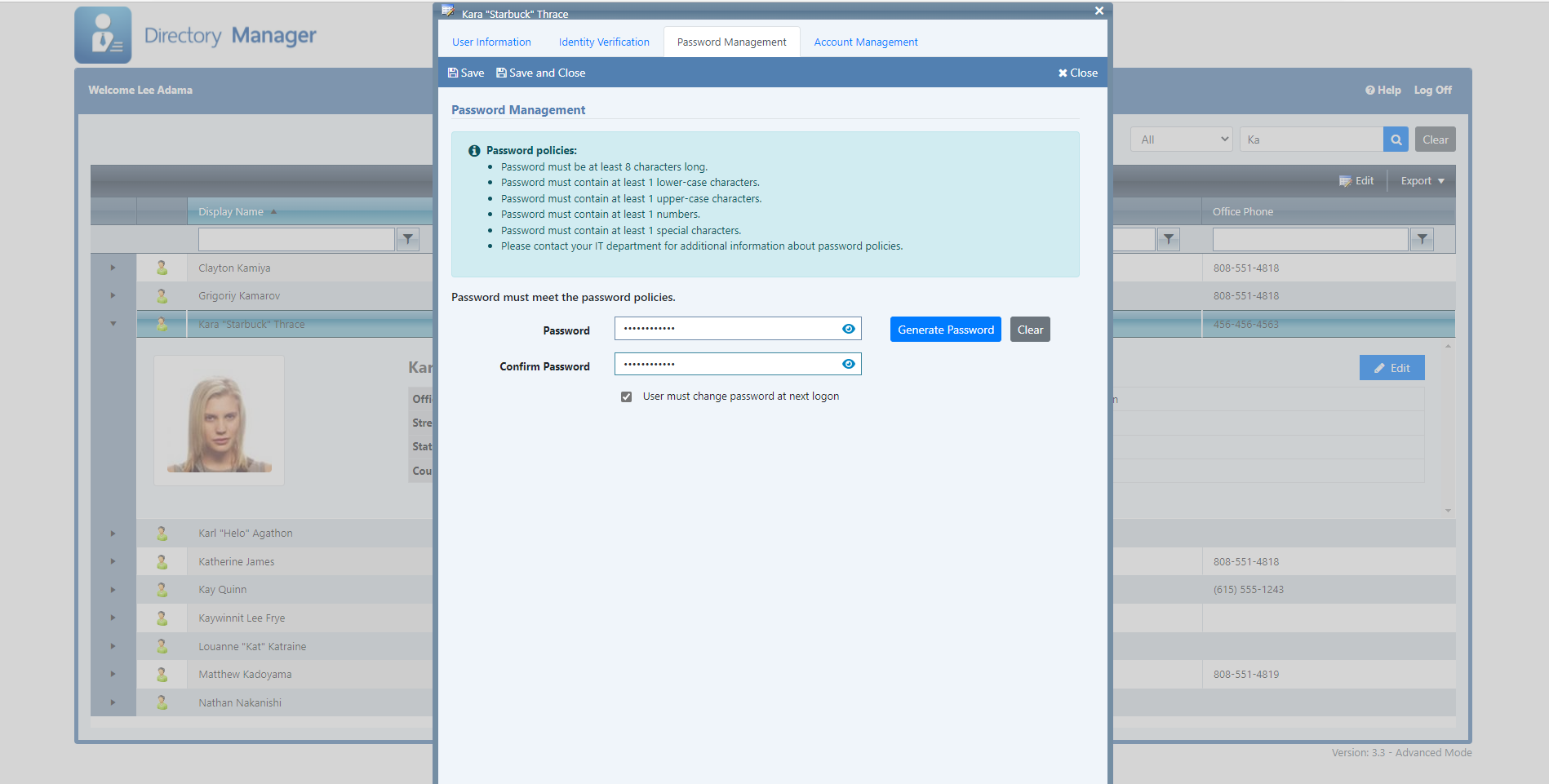
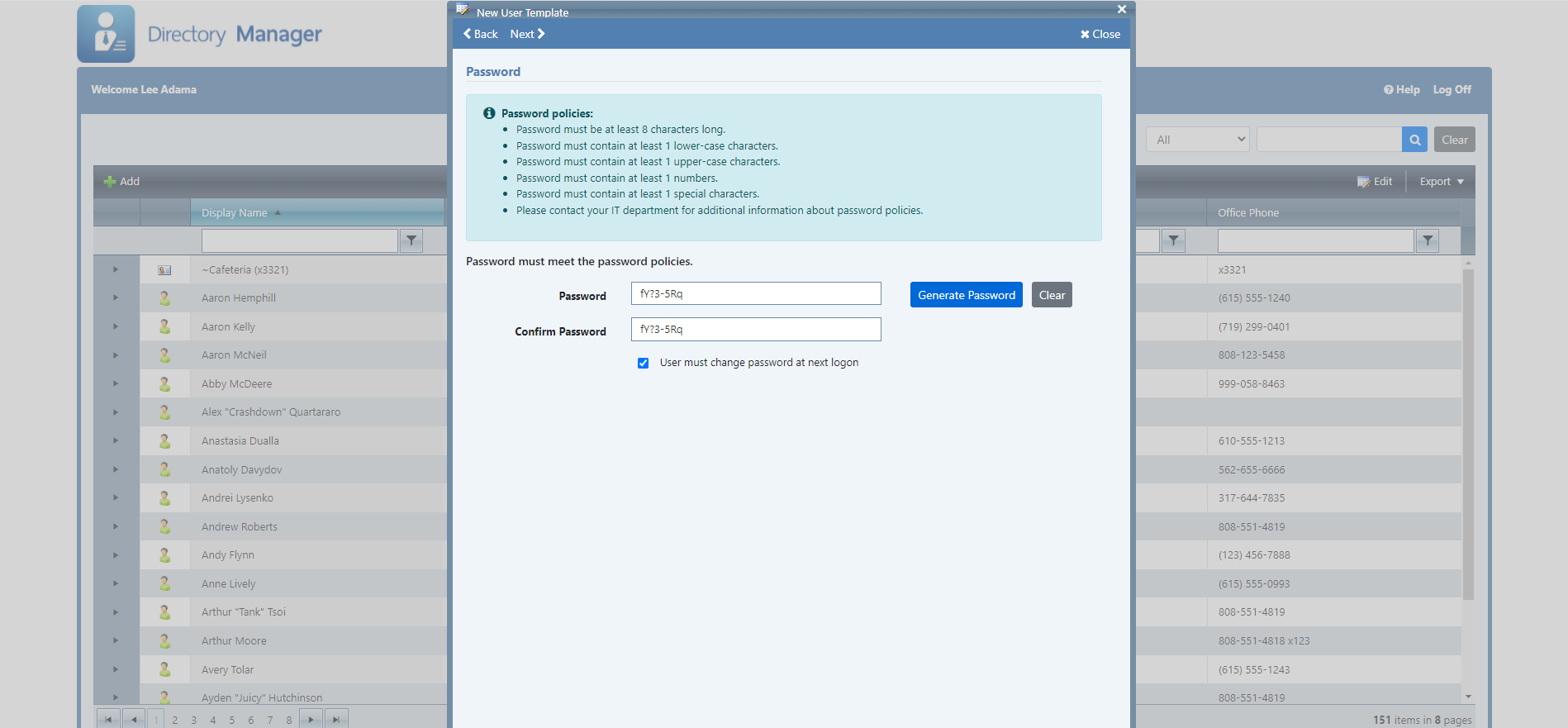
Reset user passwords securely while adhering to strict organizational complexity policies.
Account Lockout & Control
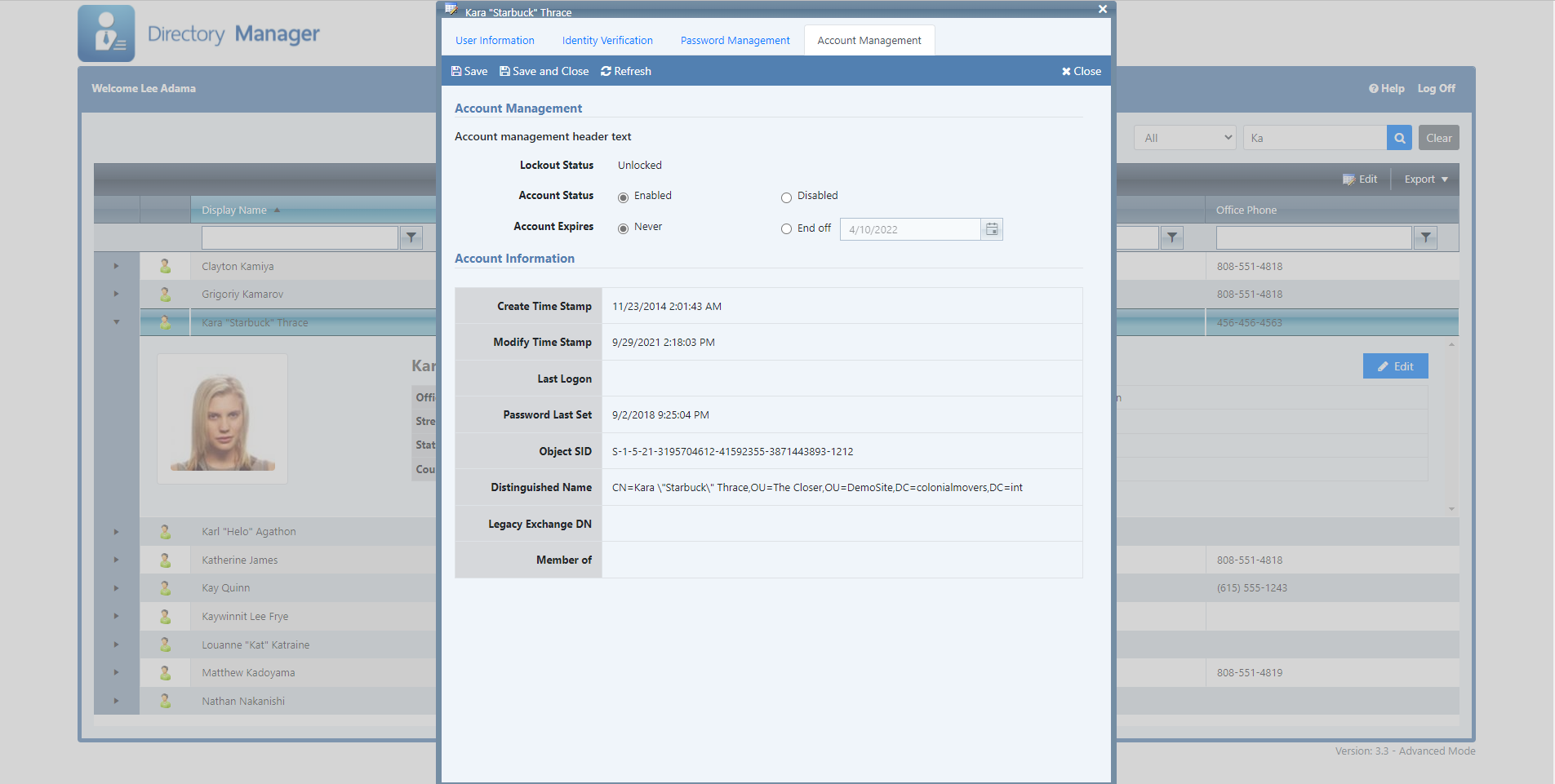
Enable or disable accounts, clear lockouts, and set exact account expiration dates.
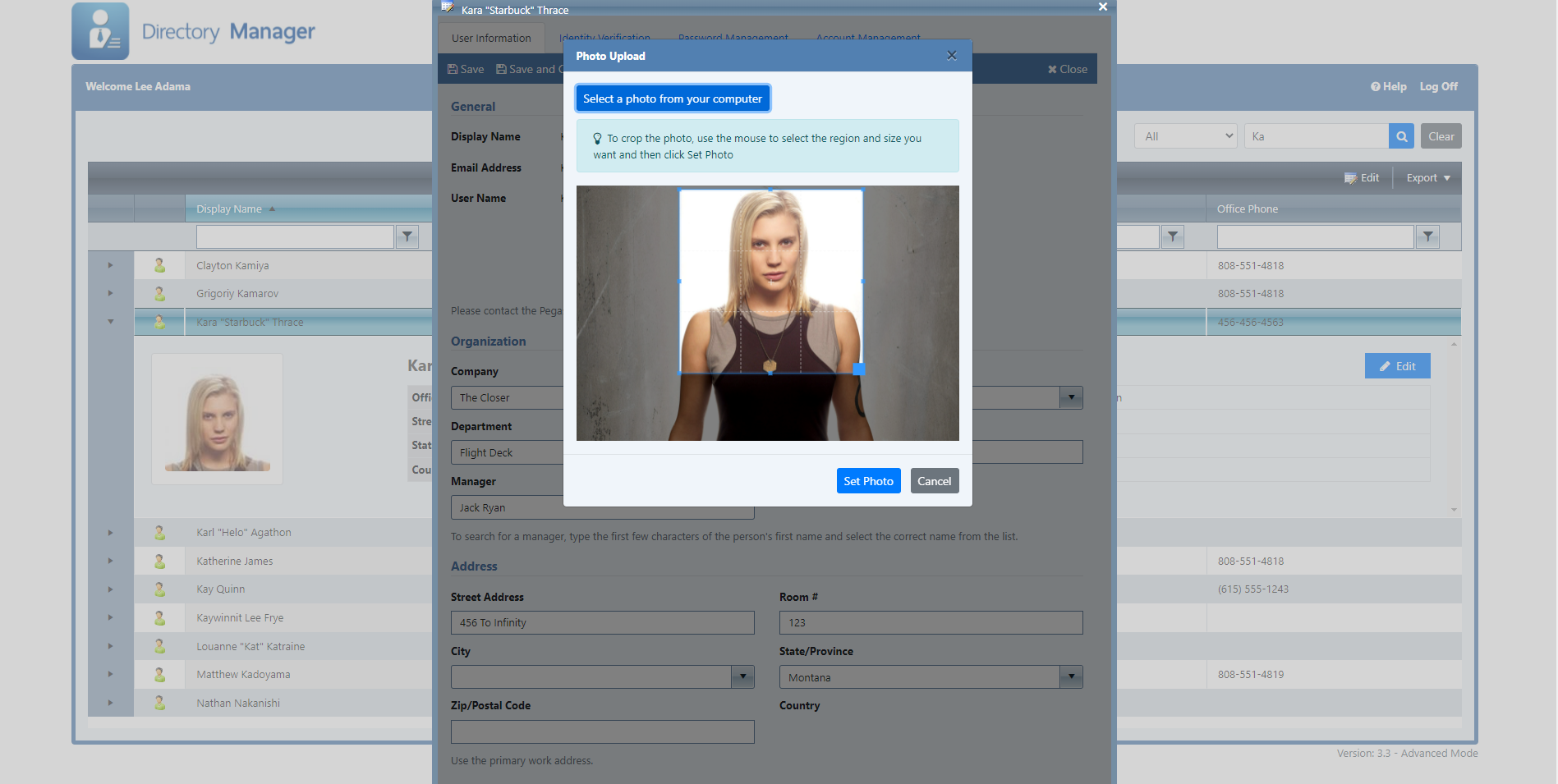
Microsoft 365 Photo Upload
Sync employee photos seamlessly to both local Active Directory and Microsoft 365 profile pictures.
Data Validation Rules
Maintain standardized directory data using mandatory inputs, regular expression rules, and restricted dropdowns.
Address Sets
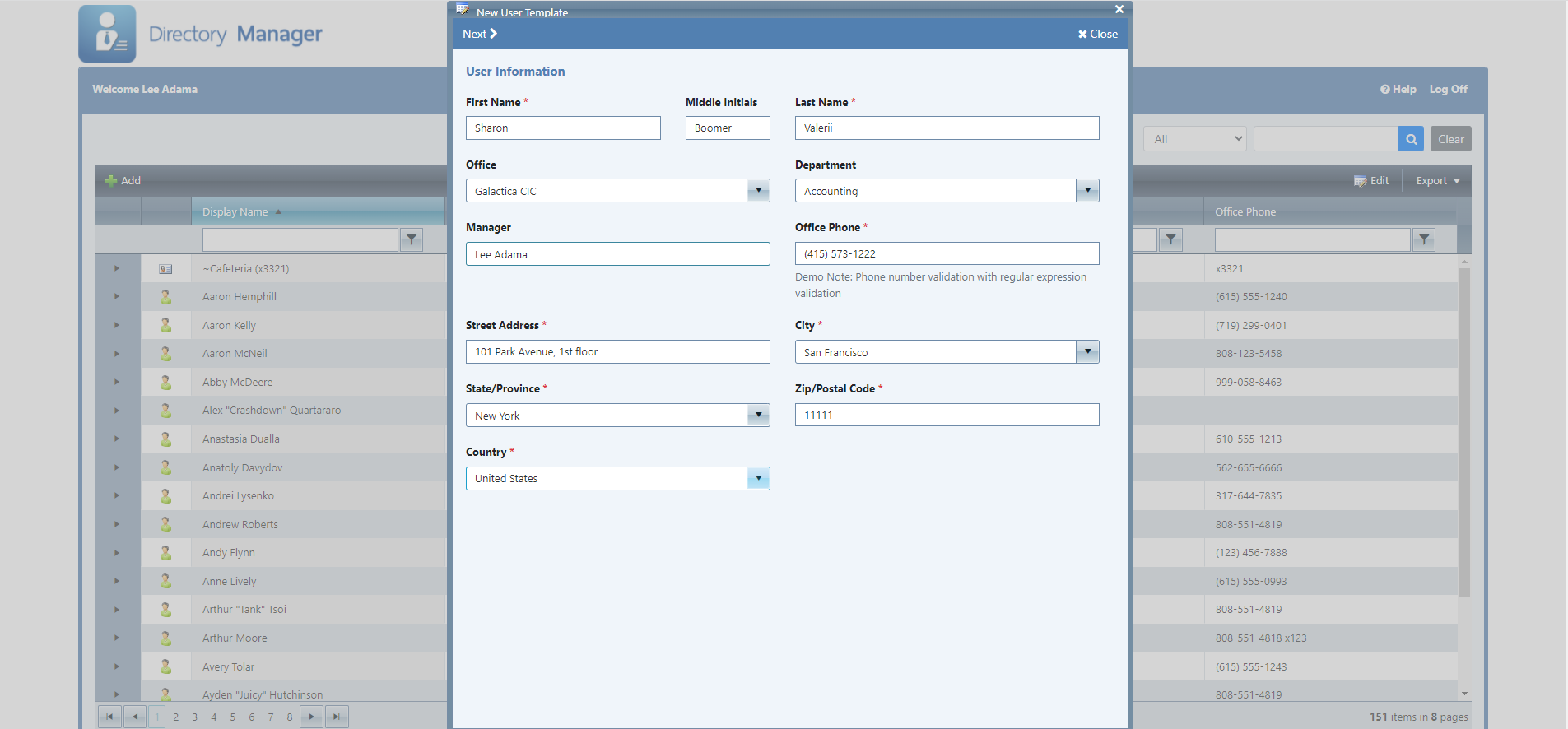
Automatically auto-fill city, state, postal code, and country options upon picking a target office location.
Cascading Subsets
Filter child dropdown choices based on parent field selection (e.g., displaying specific Departments for a selected Division).
Data Export
Export Active Directory search queries and filtered user listings straight to CSV or Excel formats.
Help Desk Verification
Integrates with Directory Update to allow help desk staff to verify caller identity via security questions or MFA app tokens.
XML Customization
Customize field labels, button actions, help text, and application layout without modifying source code.
PowerShell Hooks
Trigger custom post-update PowerShell scripts automatically when user profiles or accounts are changed.
Audit Logging
Record last update timestamps directly to Active Directory and generate structured CSV audit trail records.
Advanced Edition Capabilities
Template-Driven User Creation
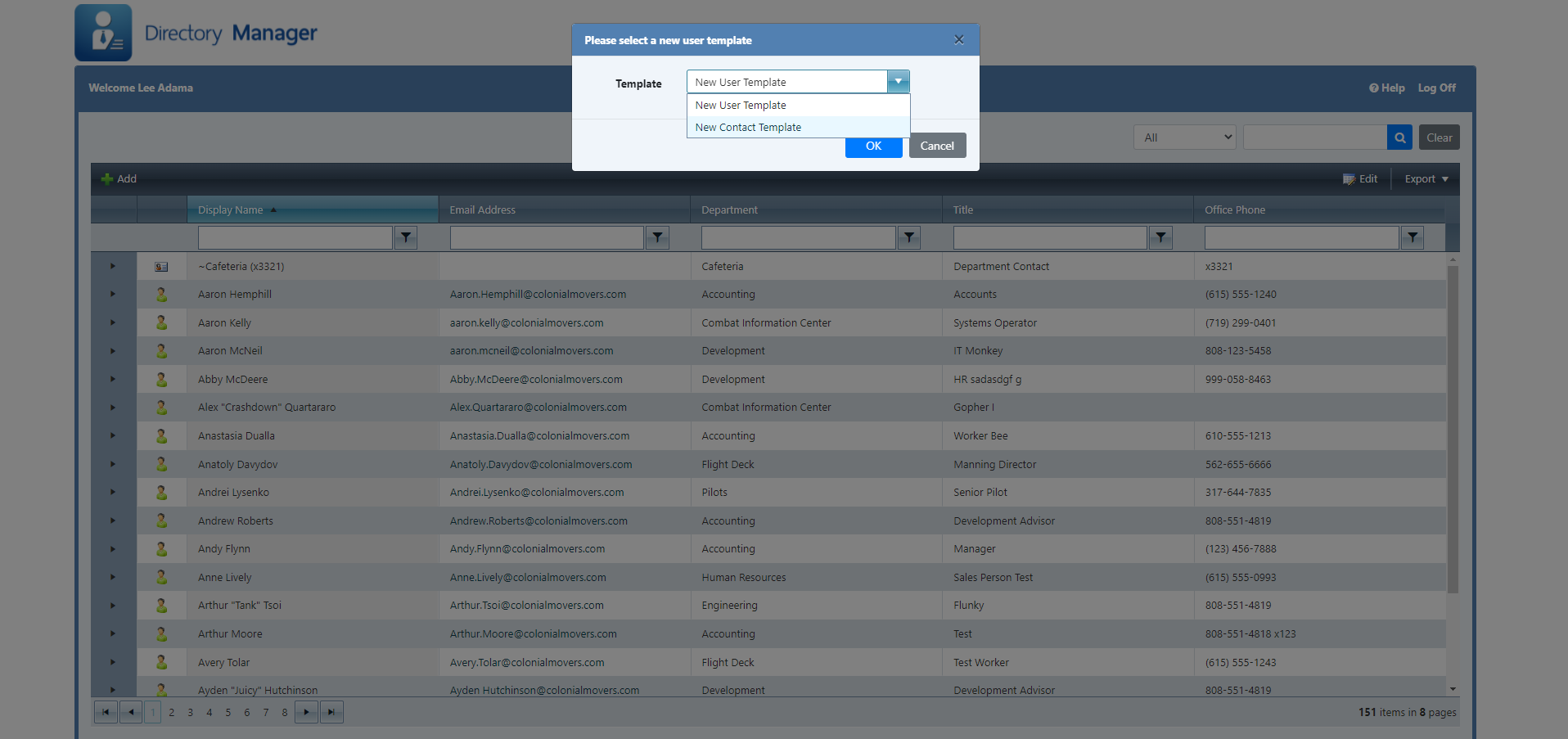
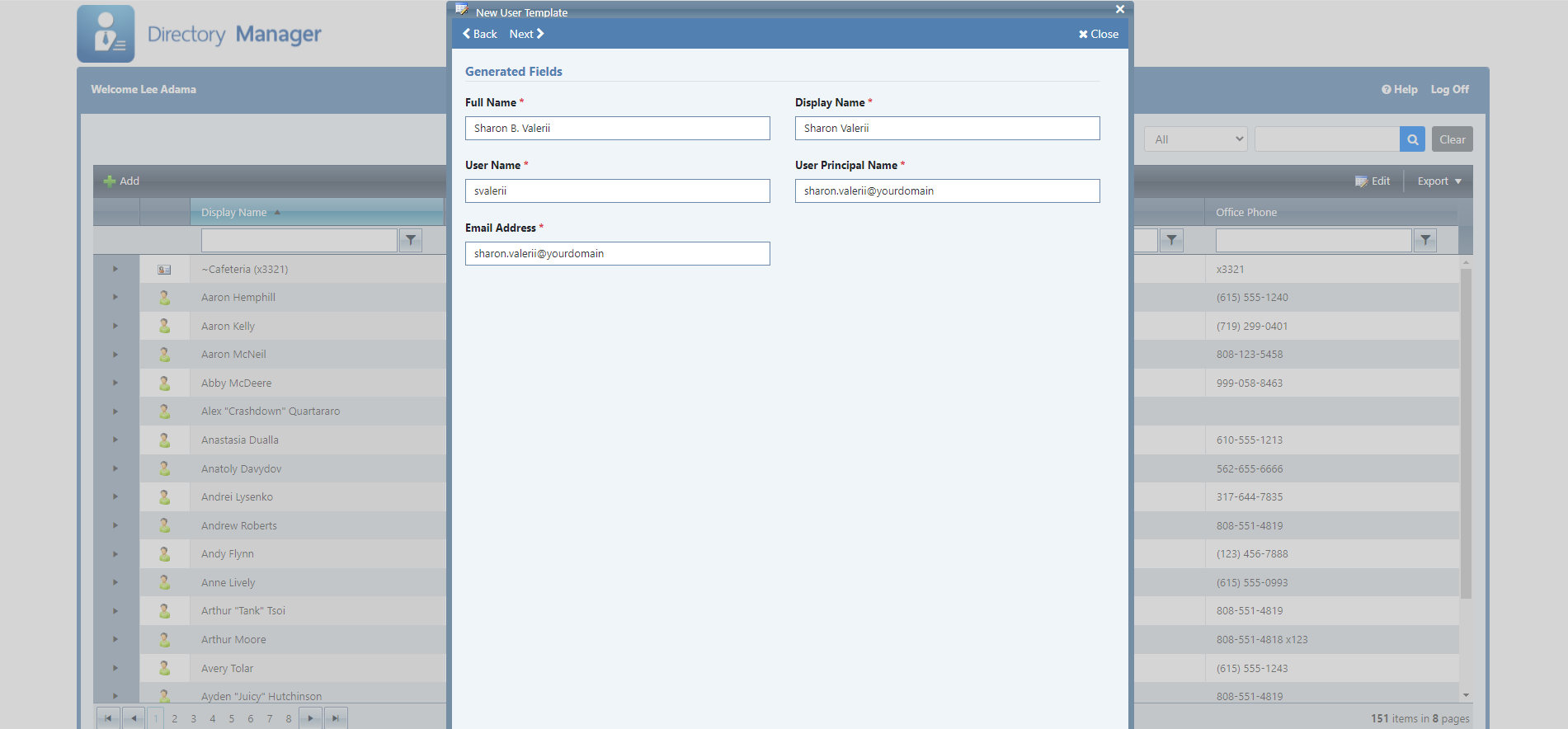
Wizard-guided user creation templates ensure standardized account details, home drives, and initial group memberships when onboarding new hires.
Soft & Hard User Deletion
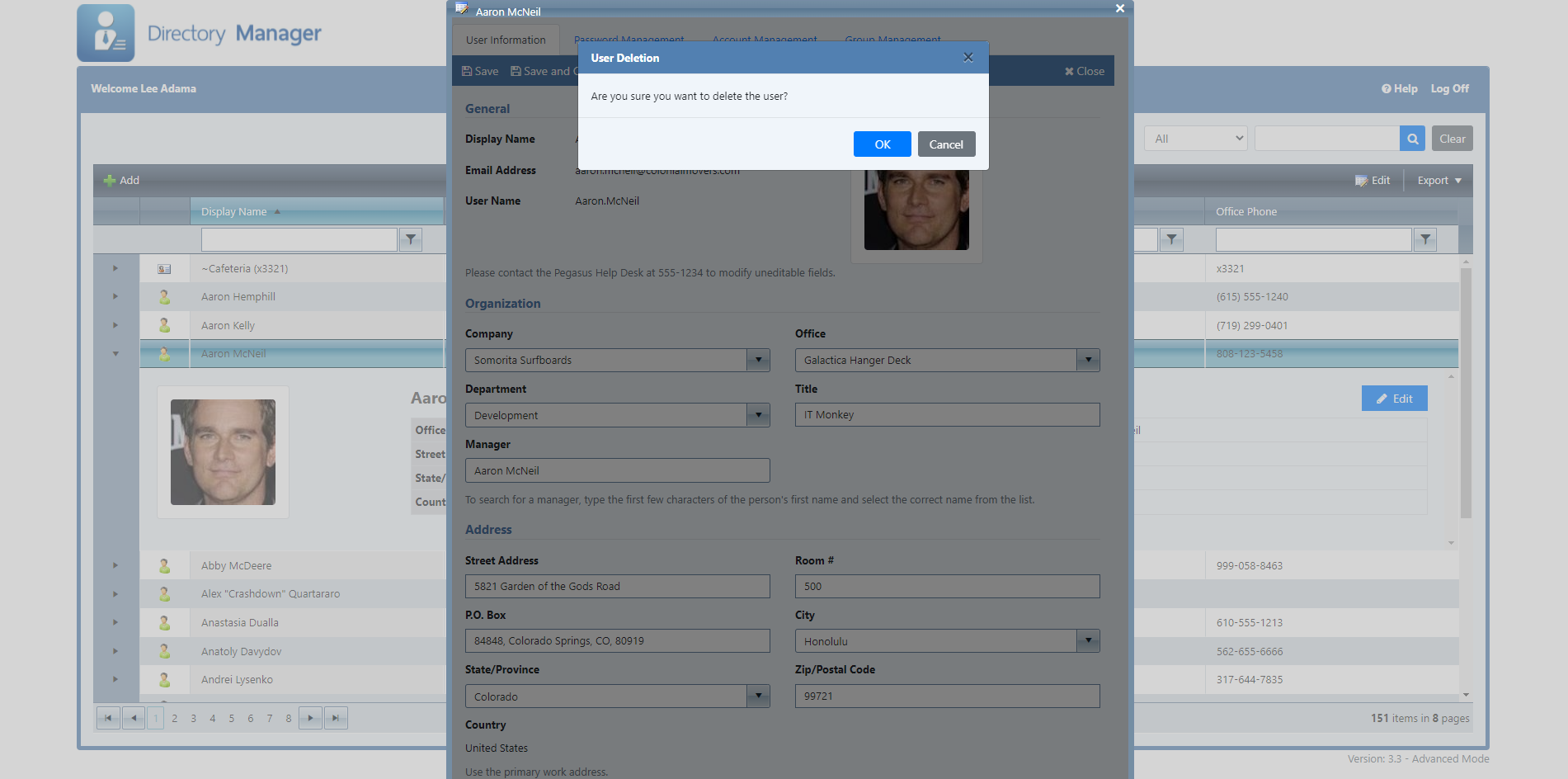
Safely offboard staff using soft-deletion workflows that disable accounts, hide them from the GAL, and strip security group access automatically.
Delegated Group Management
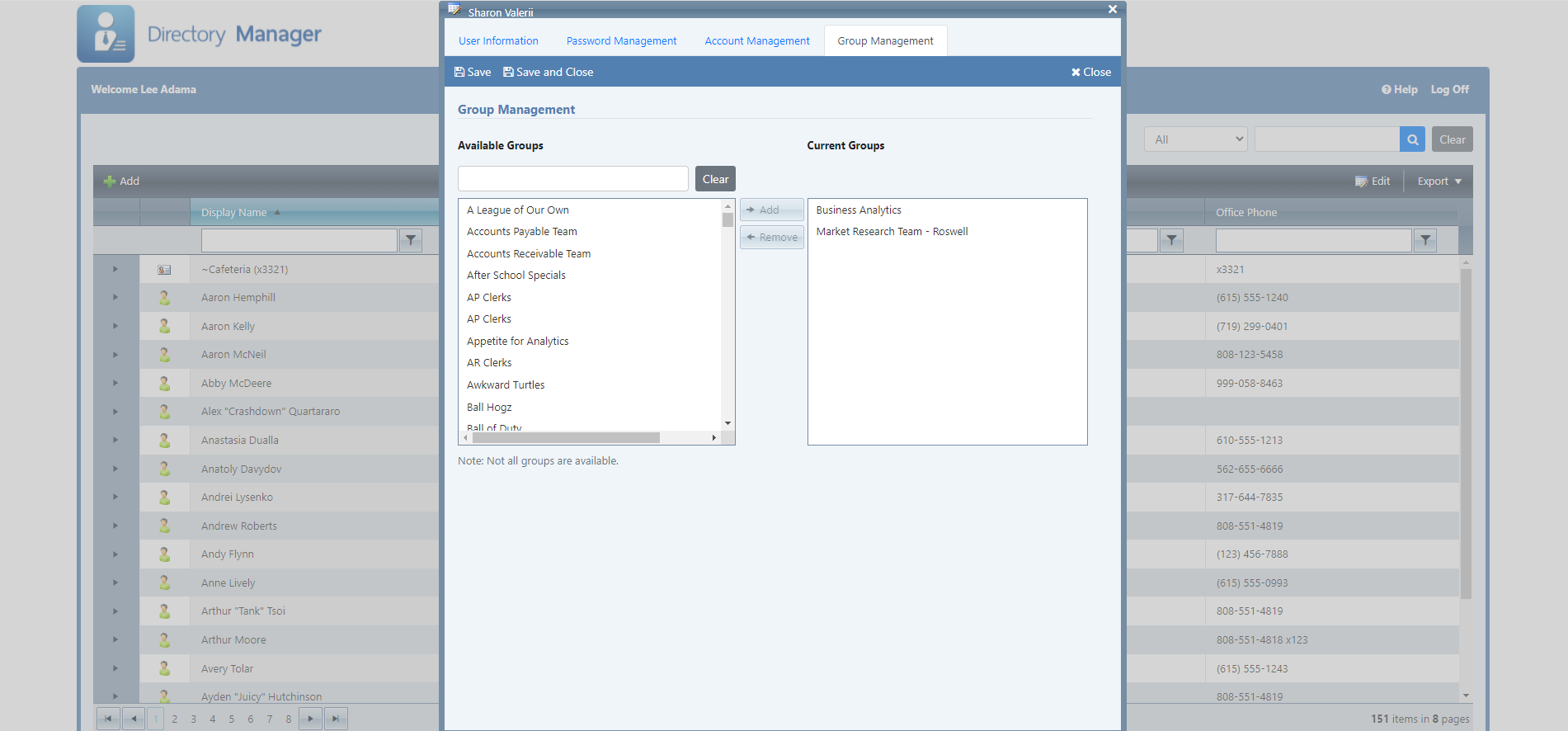
Assign user accounts to distribution lists or security groups, while restricting sensitive enterprise groups from non-administrative view.
Get Started
Online Demos
Experience Directory Manager and Advanced Edition features directly in your browser.
Free Trial
Download and test Directory Manager on your IIS web server completely free.
Download TrialDocumentation
Access configuration references, installation prerequisites, and setup guides.
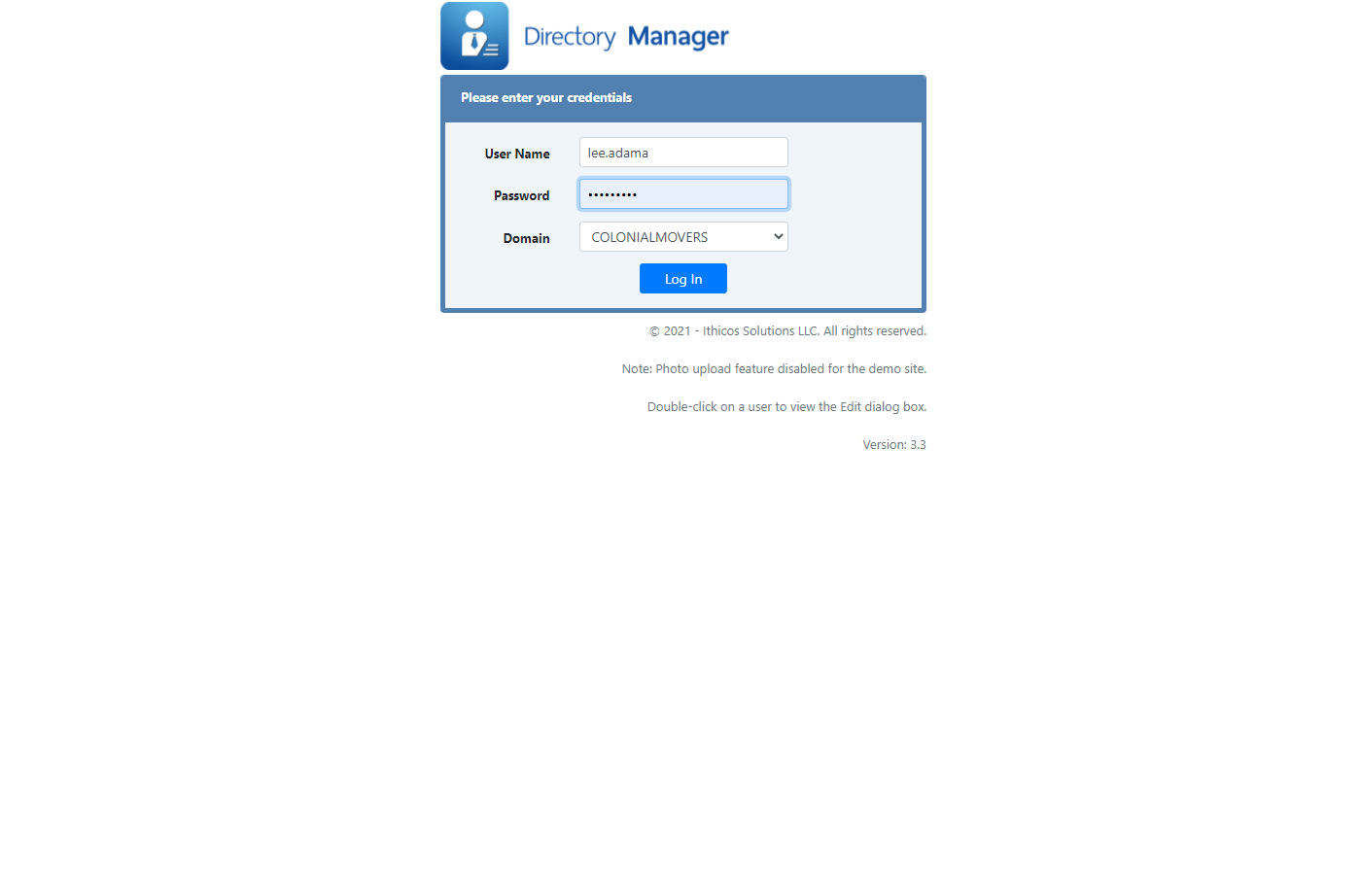
Read ManualStandard Edition Interface
Advanced Edition Interface
Release Notes and Version History
Directory Manager has been under continuous active development since 2007. New releases occur every six to nine months, incorporating customer requests, OS compatibility, and crucial security updates.
support@ithicos.com to verify license key compatibility.
Major Features
- Computer Management (Advanced Mode): Manage domain computer information and group memberships via
AdvancedMode/ComputerSettings.xml. - User Browsing Improvements: Added Organizational Unit (OU) filter and alphabetical navigation headers.
- Organization Chart: Added interactive Org Chart tab.
- Photo Backup Mechanism: Backs up newly uploaded user photos to
Photo\BackupviaDirectorySettings.xmloptions. - New Field Controls: Support for multi-valued list boxes, direct report lists, interactive date pickers, and formatted time labels.
Maintenance & Security Updates
| Version | Changes & Enhancements |
|---|---|
| 3.6.0 |
|
Added Secure LDAP (LDAPS) support for encrypted Active Directory connections.
| Version | Changes & Bug Fixes |
|---|---|
| 3.5.9 | Updated Group Management in Advanced Mode to respect excludeSecurityGroups settings. |
| 3.5.8 | Added httpCookies SSL options to web.config. |
| 3.5.7 | Added "date" attribute type in DirectorySettings for UTC Generalized Time. |
| 3.5.6 | Fixed visibility toggles for Log Off and Help navigation buttons. |
| 3.5.5 | Fixed issue where missing DisplayName columns threw unexpected interface errors. |
| 3.5.4 | Corrected non-editable photo confirmation message behavior. |
| 3.5.3 | Corrected Exchange filter to target mail instead of mailNickName. |
| 3.5.2 | Updated Azure Identity SDK for .NET to v1.10.3 to address remote execution vulnerability. |
| 3.5.1 | Added notification emails to newly assigned managers when manager properties change. |