Enable users to update their information in Active Directory, the Exchange Global Address List (GAL), and Microsoft 365, while enabling group managers to maintain distribution lists via an internal Internet Information Server (IIS) web app. Administrators retain strict control over editable attributes and validation rules.
Directory Update Features
User Information Update
Customizable web forms allow users to update phone numbers, address, job title, department, or custom AD attributes.
Password Change
Allow users to change their account password via web browser while enforcing domain complexity policy.
Group Management
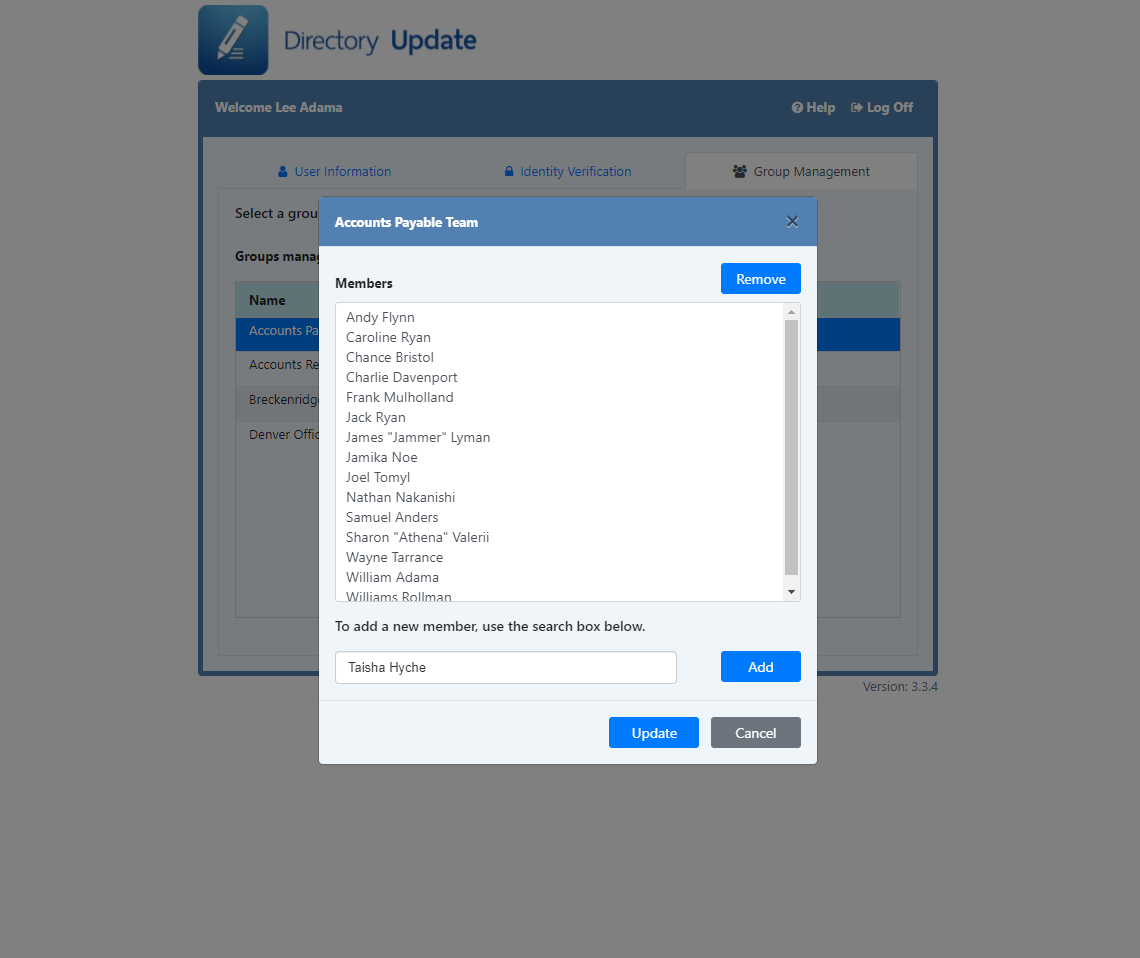
Managers can add or remove members from assigned on-premises and Microsoft 365 distribution lists.
Microsoft 365 Photo Upload
High-resolution photo uploads synchronize directly to both local Active Directory and Exchange Online/M365.
Password Expiration Reminder
Notify end users prior to password expiration to prevent lockout scenarios.
Address Sets
Auto-populate street, city, state, and zip codes automatically upon selecting a primary office location.
Cascading Subsets
Define relationships between fields (e.g., Division to Department) so dropdown options remain strictly relevant.
PowerShell Integration
Trigger custom PowerShell post-processing scripts automatically whenever an update is executed.
Audit Logging
Log user timestamps to Active Directory and maintain clear CSV audit logs for administrative tracking.
Email Notifications
Send automatic email summaries of update events to the user, manager, or help desk staff.
Data Validation
Enforce field requirements, drop-down constraints, and regular expression formatting rules.
XML Configuration
Easily adjust application behavior, help notes, labels, and text fields via XML configuration files.
Get Started
Online Demos
Explore Directory Update functionality directly in your browser.
Free Trial
Download and test Directory Update on your local IIS server free of charge.
Download TrialUser Interface Gallery
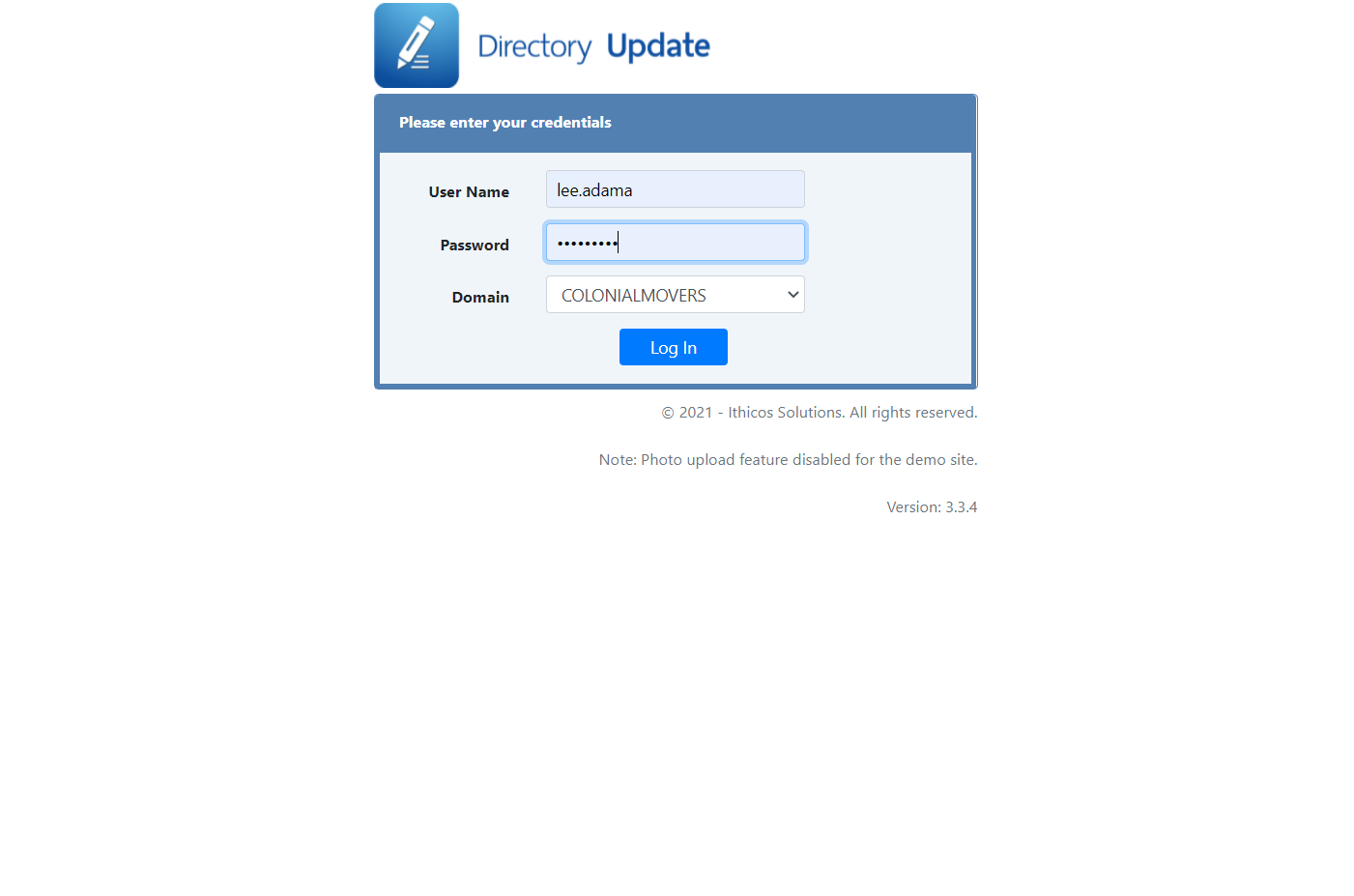
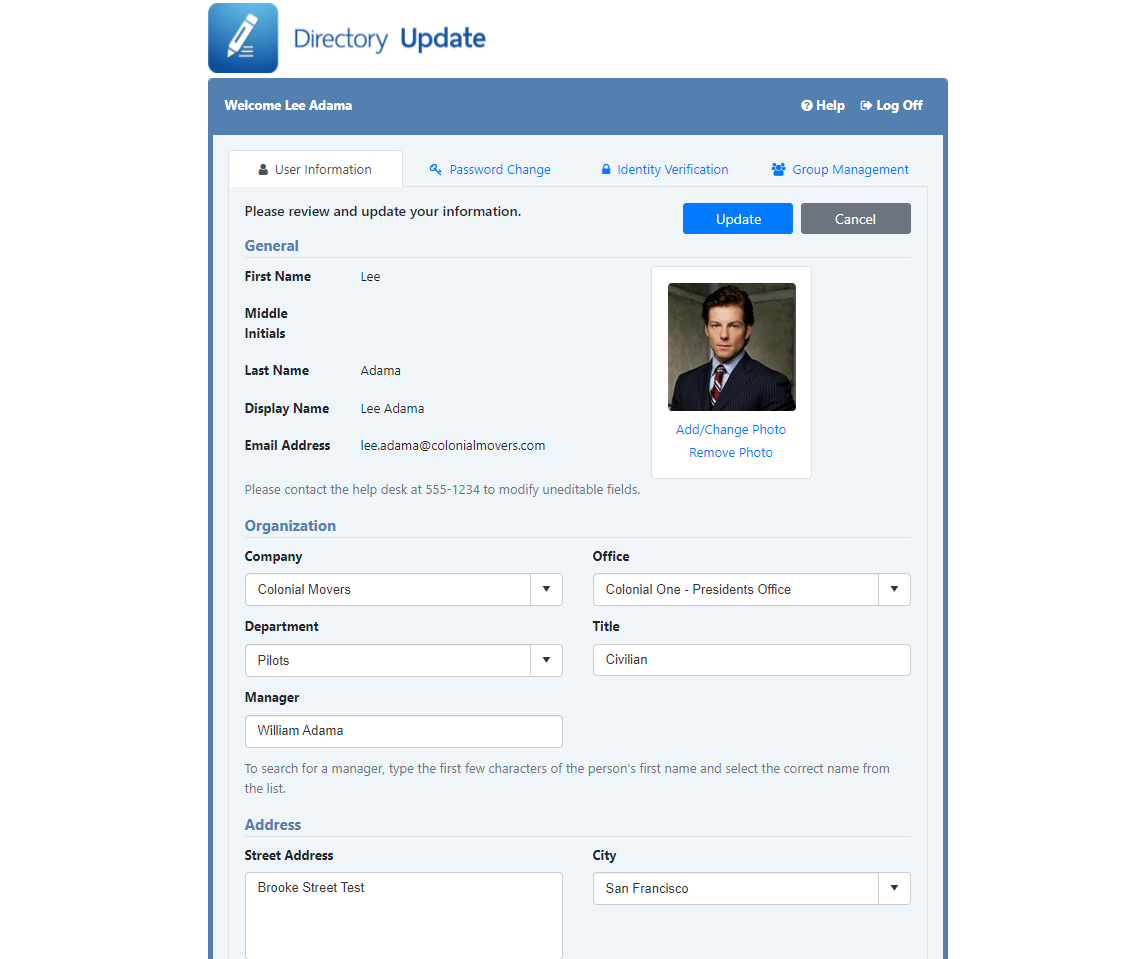
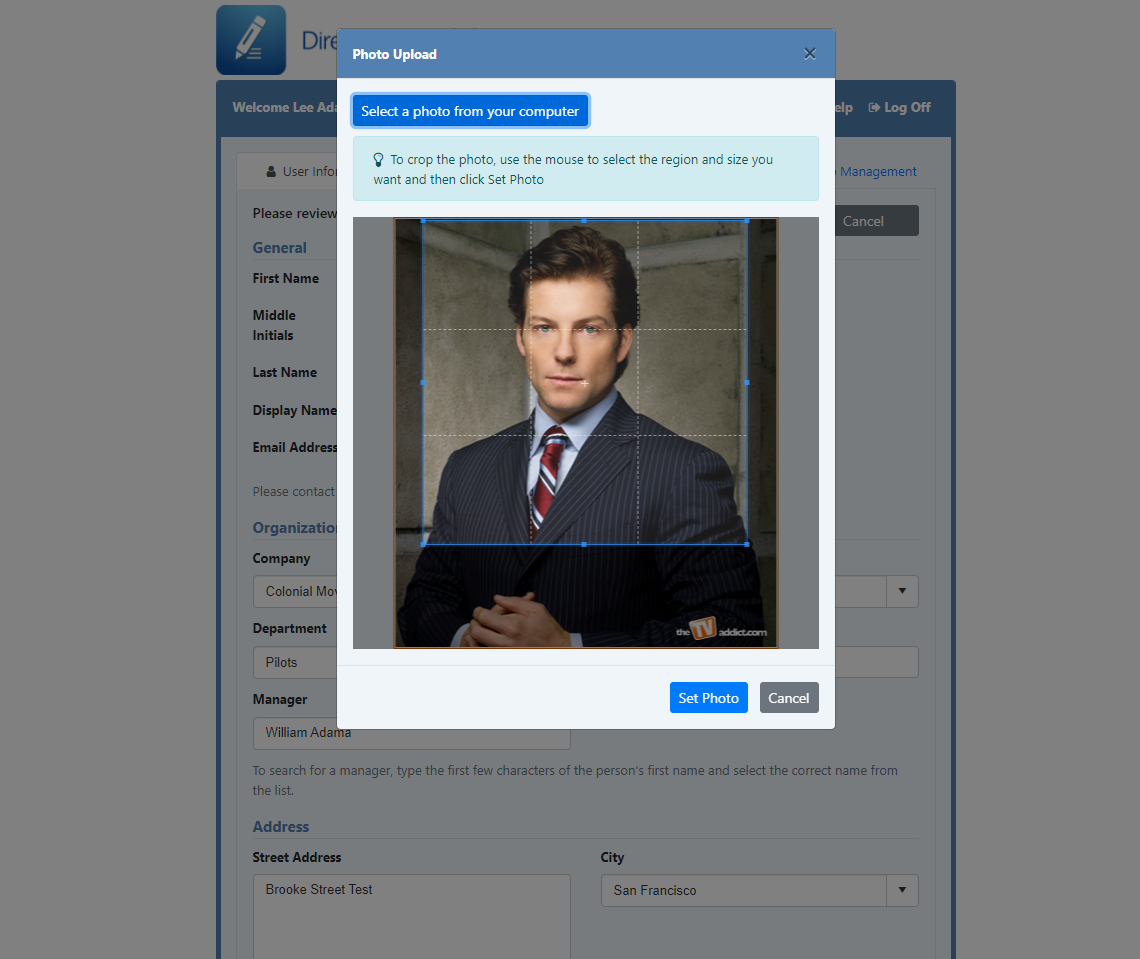
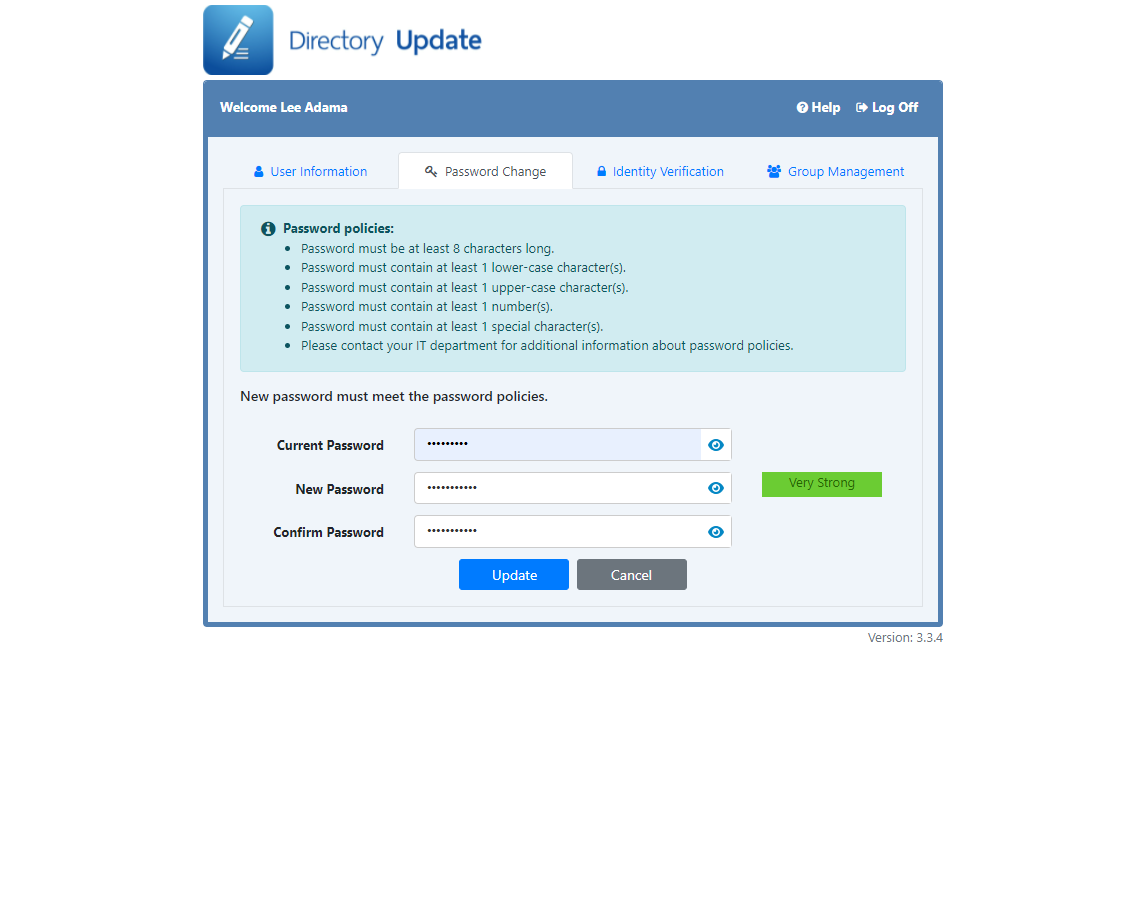
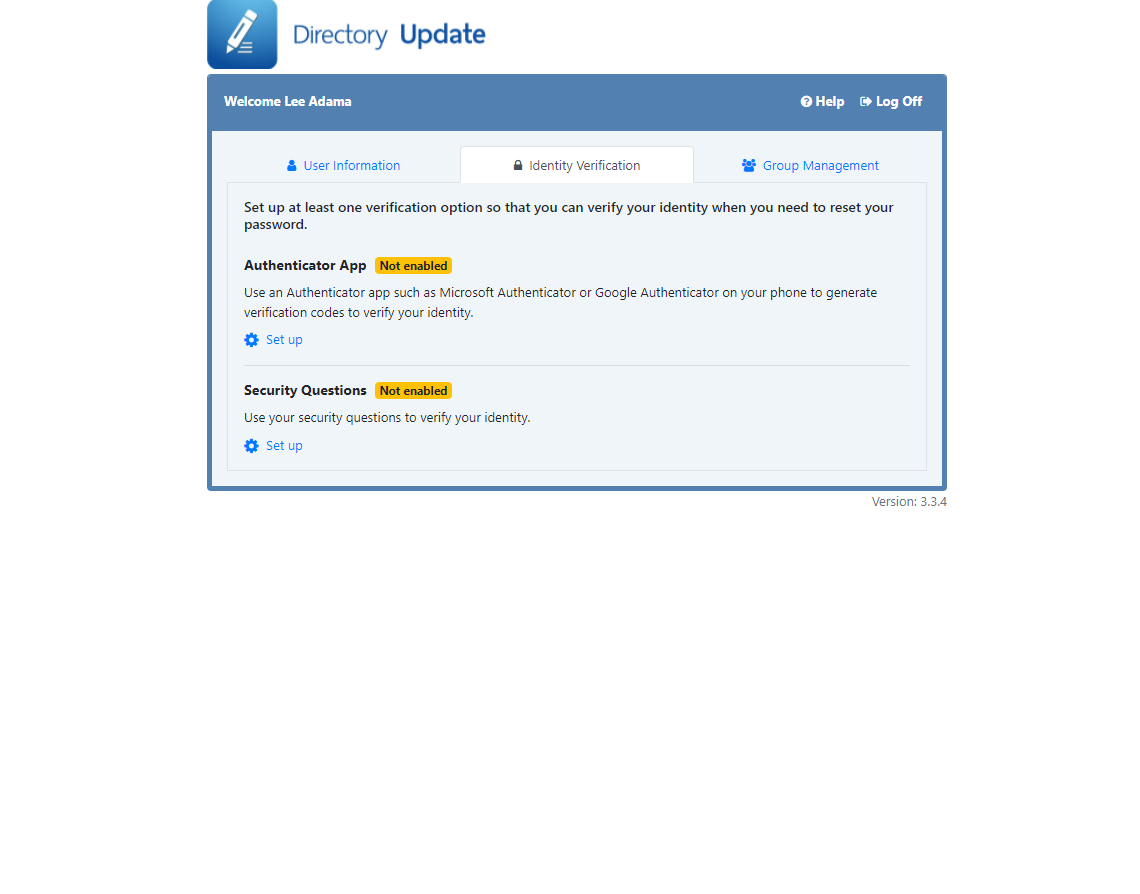
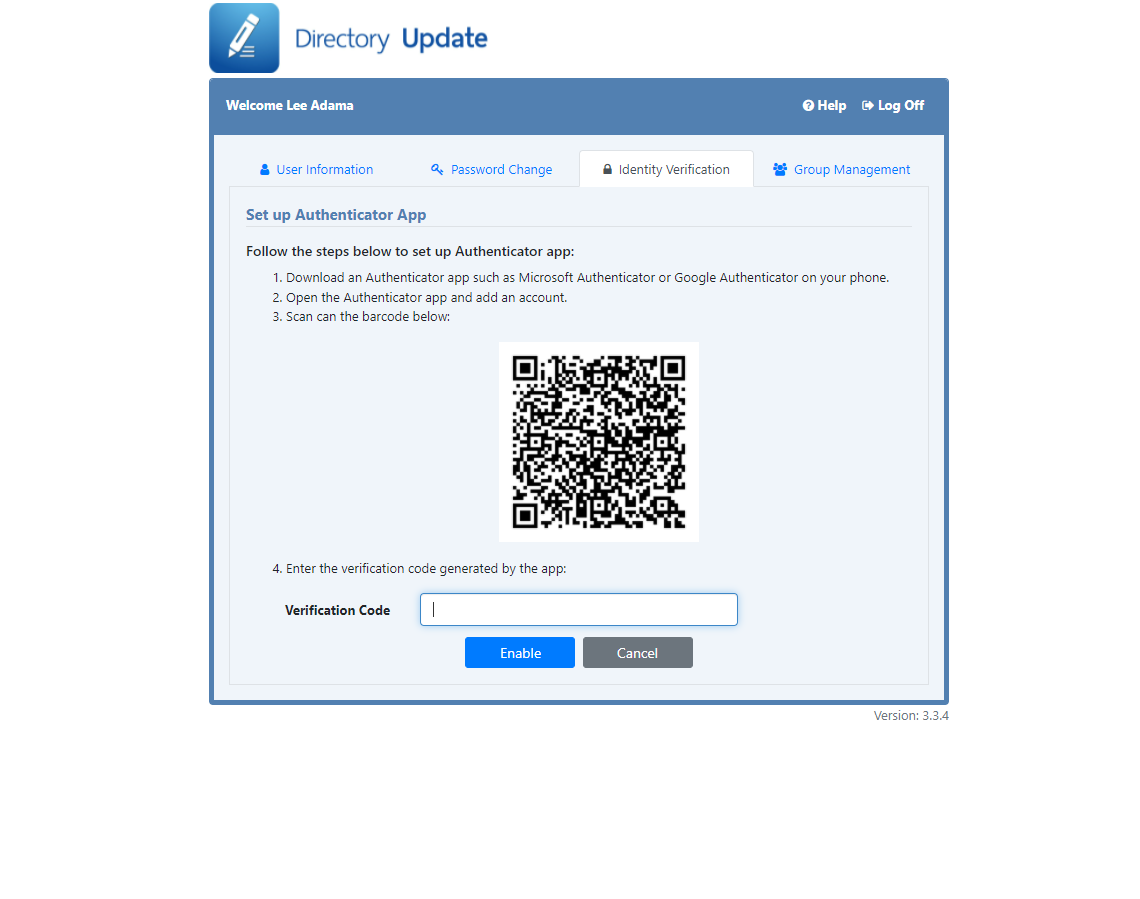
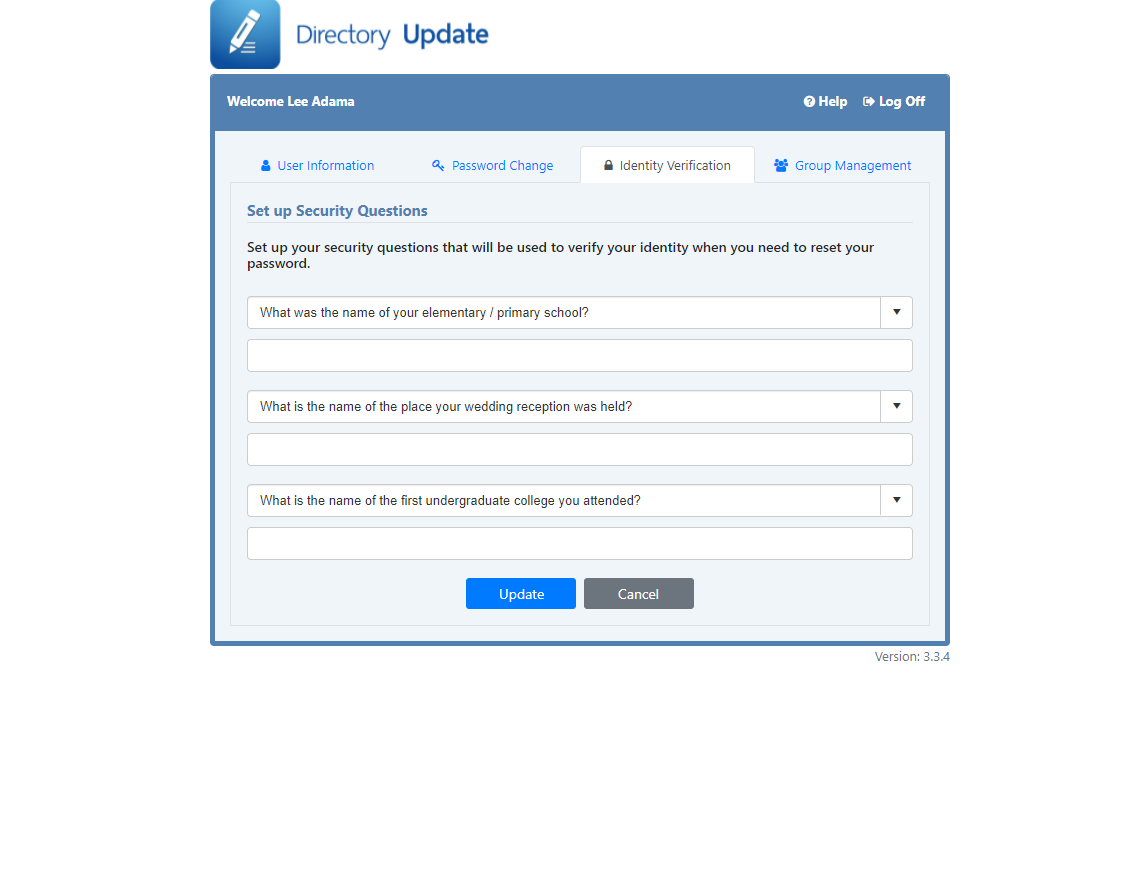
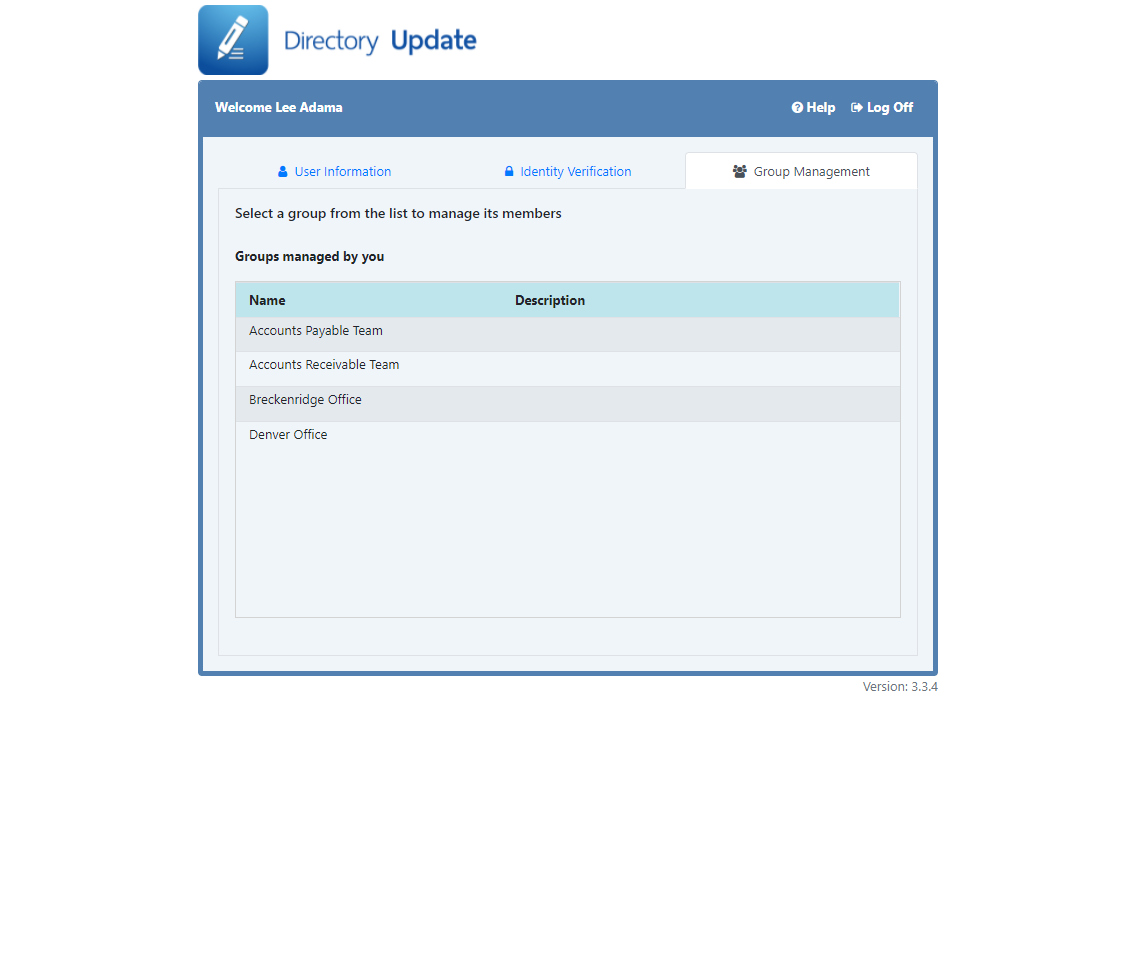
Release Notes and Version History
Directory Update has been actively developed since 2006. Major releases occur approximately every six to nine months, reflecting customer feedback, operating system changes, and modern security updates.
support@ithicos.com to verify license key compatibility.
Major Features
- Azure AD Authentication: Support for single sign-on using Microsoft Entra ID (Azure AD).
- Photo Backup Mechanism: Automatic backup of uploaded profile photos stored in the
Photo\Backupdirectory. Configurable viaDirectorySettings.xml. - New Field Types & Controls:
"list": Multi-valued String attribute control."readOnlyList": Read-only Direct Reports display."date": Interactive date picker control."readOnlyTime"&"integerTime": Formatted label attributes.
Maintenance & Fixes
| Version | Changes & Enhancements |
|---|---|
| 3.6.0 |
|
Added Secure LDAP (LDAPS) support for encrypted Active Directory connections.
| Version | Changes & Bug Fixes |
|---|---|
| 3.5.6 | Added httpCookies settings configuration in web.config for SSL enforcement. |
| 3.5.5 | Fixed visibility toggling behavior for Log Off and Help buttons. |
| 3.5.4 | Resolved photo confirmation display issue when photo is non-editable. |
| 3.5.3 | Corrected Exchange filter to use mail attribute instead of mailNickName. |
| 3.5.2 | Updated Azure Identity SDK for .NET to 1.10.3 to mitigate remote execution vulnerability. |
| 3.5.1 | Updated email notifications to include newly assigned manager when updated. |